How to Improve Print Quality for Better Results
If your documents appear blurry, faded, or inconsistent, your printer settings and maintenance routine may be the cause.
Tips for Better Printing
Use the correct paper type for your printer.
Select the appropriate print quality settings.
Clean the print heads regularly.
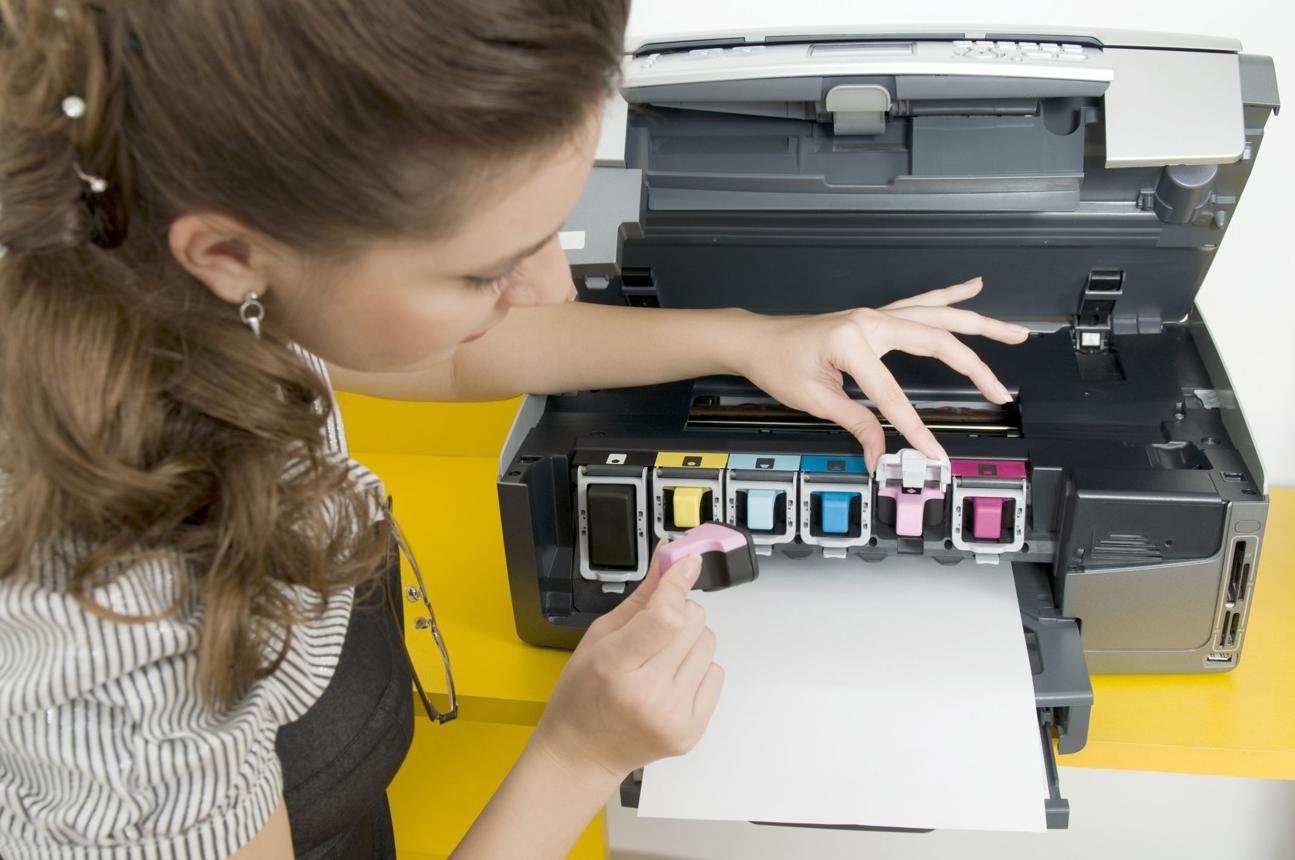
Replace low ink or toner cartridges promptly.
Store paper in a dry environment.
Perform printer alignment when necessary.
Update printer firmware for improved performance.
Following these simple practices helps produce sharper text, vibrant colors, and professional-looking documents every time.